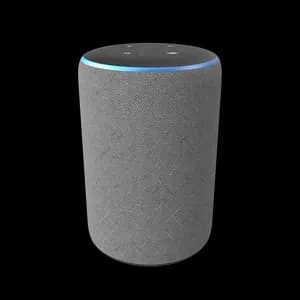


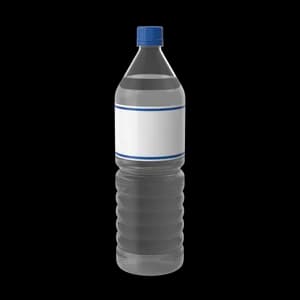


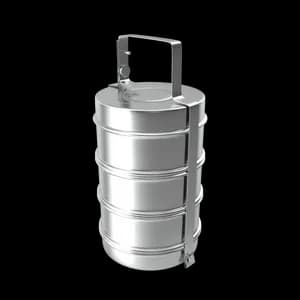

Find01
Start with the question you need answered.
Search and filter the catalog by the details that affect your decision, including category, price, rating, and availability.
Product inspection, before checkout
Compare useful details, inspect supported products in 3D, and reach checkout with fewer unanswered questions.
A product with a verified 3D asset can offer deeper inspection. A product without one still gets a useful page with honest images, specifications, price, and availability.
Review the product from the device already in your hand.
See the images and specifications attached to the catalog record.
3D controls appear only when a product has a real model asset.
Browse the experience without requiring a separate app.
Inspect product details comfortably on a larger screen.
Start with what matters
Browse by category, then inspect the products in the space where they will live.
The difference is practical
The experience is built around the questions that usually create hesitation.
Product pages bring specifications, ratings, availability, and imagery together so comparison does not require a dozen tabs.
Use supported 3D and spatial tools to understand scale and form before an object arrives at your door.
Checkout quotes are calculated on the server with current pricing, discounts, shipping, tax, and stock checks.
NeoVerse keeps discovery, inspection, and checkout connected so the important details do not disappear between tabs.
Search and filter the catalog by the details that affect your decision, including category, price, rating, and availability.
Review the real images and specifications. Verified 3D and AR controls appear only when the product has the required assets.
The commerce API recalculates the quote and checks current inventory before payment begins.
Get occasional notes about new products, spatial tools, and practical buying guides.